
VISITOR MANAGEMENT
Control Access. Gain Visibility. Reduce Risk. All in one system.
Screen, verify, and manage every visitor with a system built for today’s schools. Replace manual processes with consistent workflows that track visitor activity, enforce custody restrictions, and maintain a real-time view of who is on campus.
Navigate360’s visitor management system for schools ensures visibility, accountability, and control at the front door—so you always know who is on campus.
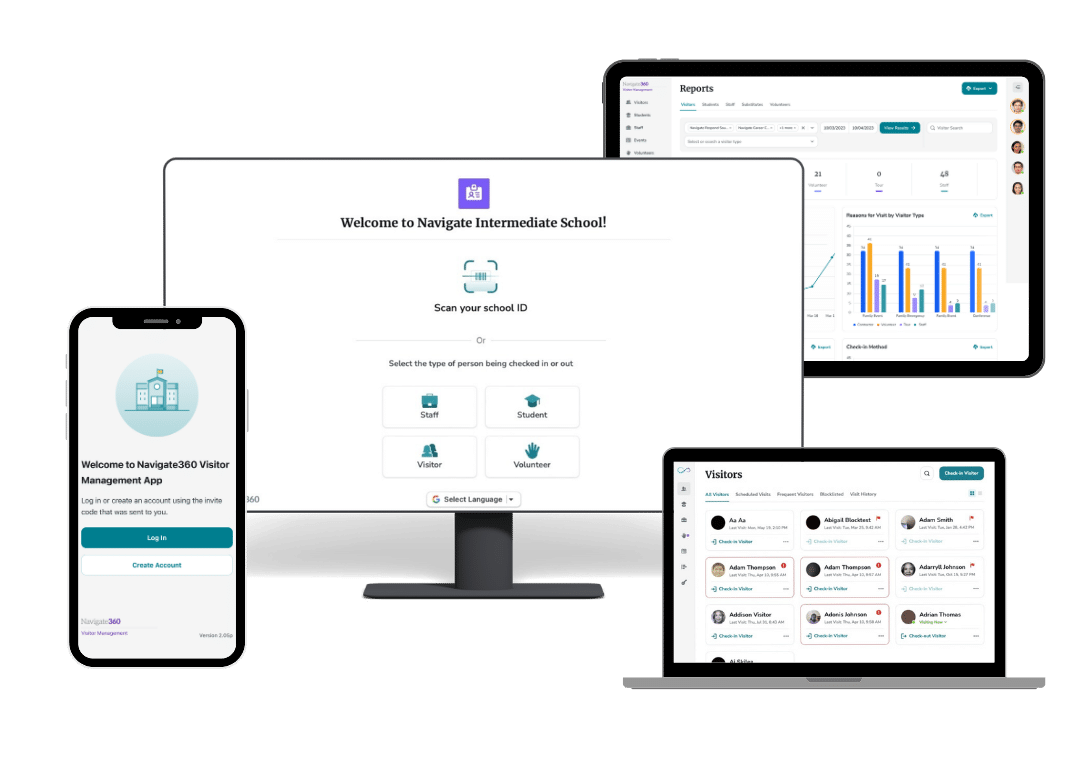
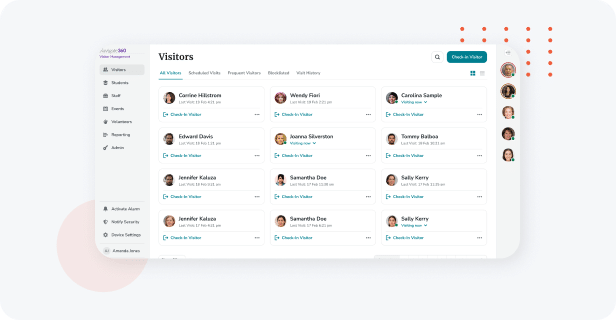
Visitor Screening and Tracking
See exactly who is in your school and who is requesting access with:
- Custodial rights, block lists, and district regulations compliance
- Ability to check visitors against the national sex offender database
- Checks to flag persons of concern and discreetly notify security or necessary staff instantly
- Self-serve and mobile check-in/-out options with Google Translate integration
- Badge printing for easy identification of visitors

Volunteer Management
Simplify engagement, strengthen accountability, and ensure every volunteer is approved and supported with:
- Customizable online applications with tailored questions and attachments for complete submissions
- Automated approvals, expirations, and renewals to keep records current and accurate
- Role-based access that empowers coordinators to screen consistently across campuses
- Optional background checks and continuous monitoring to maintain a secure environment
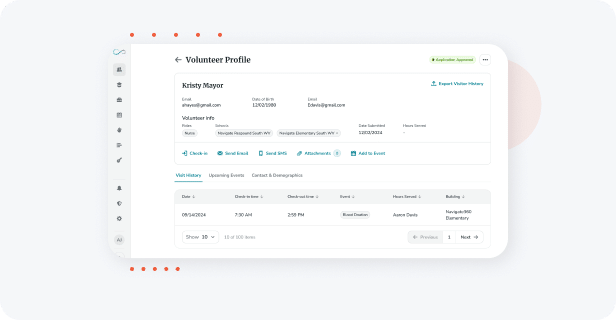
- Centralized profiles to track volunteer activities, hours, and even off-campus or after-hours visits
- Communication tools, including email and text messaging, to keep volunteers informed and connected
- Streamlined workflows that reduce administrative burden while encouraging safe community engagement
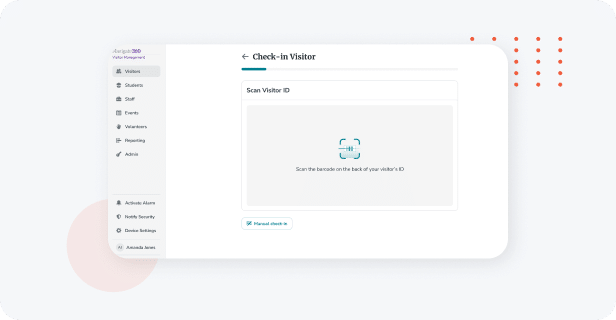
Rapid and Flexible Check-in/Check-out
Streamline preauthorized access and:
- Expedite staff and student check-ins/check-outs
- Eliminate manual or fraudulent visitor entries with check-in options including licenses, staff/student IDs, and RFID tags
- Auto check-out for staff, substitutes, visitors, and volunteers
- Visitor badge barcode scanning for self-serve check-out
- Configurable self-serve workflows with preferred check-in/check-out methods for students, staff, visitors, and volunteers
- Bulk check-in or out multiple visitors in one workflow
schedule same day or future visits for returning visitors - Staff traveler functionality
Download the Visitor Management Brochure
Gain visibility and control at the front door with one connected system.
See how Visitor Management replaces manual, inconsistent processes with a standardized approach to check-in, visitor verification, and real-time tracking—ensuring accurate, audit-ready records across your district.
Learn how to streamline workflows, reduce administrative burden, and ensure every visitor is verified—so you always know who is on campus.

Hardware Flexibility
Visitor Management is a secure, browser-based cloud solution accessible through any standard computer or mobile device. Choose from RFID, barcode and license scanners, cameras, and badge printers for greater confidence and convenience.
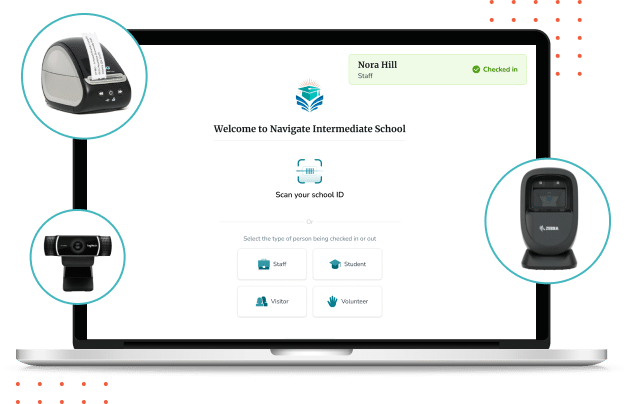

Robust Reporting Capabilities
Analyze trends to ensure accountability with real-time analytics and:
- Review data on specific individuals and roles to gain valuable insights
- Easily view and compare data across grade levels, buildings, and more
- Analyze specific timelines with custom date ranges
- Export data in the preferred format for a deeper dive into visitor, staff, substitute, student, and volunteer data
- Filter by visitor type, staff job title, and name for visitors, staff, students, and volunteers
- Easily view total time on staff and substitute reports
Visitor Management Layered Integration Options
Enhance your school visitor management solution by integrating it with your existing processes and programs.


Integrate JDP for fast and thorough background checks on individuals requesting access to your campus.
Enhance your visitor management system today.
Connect with a Navigate360 school safety and well-being expert to explore how our Visitor Management software can strengthen your front office operations, improve compliance, and support a welcoming, secure environment for every visitor.
Set a course for zero incidents.
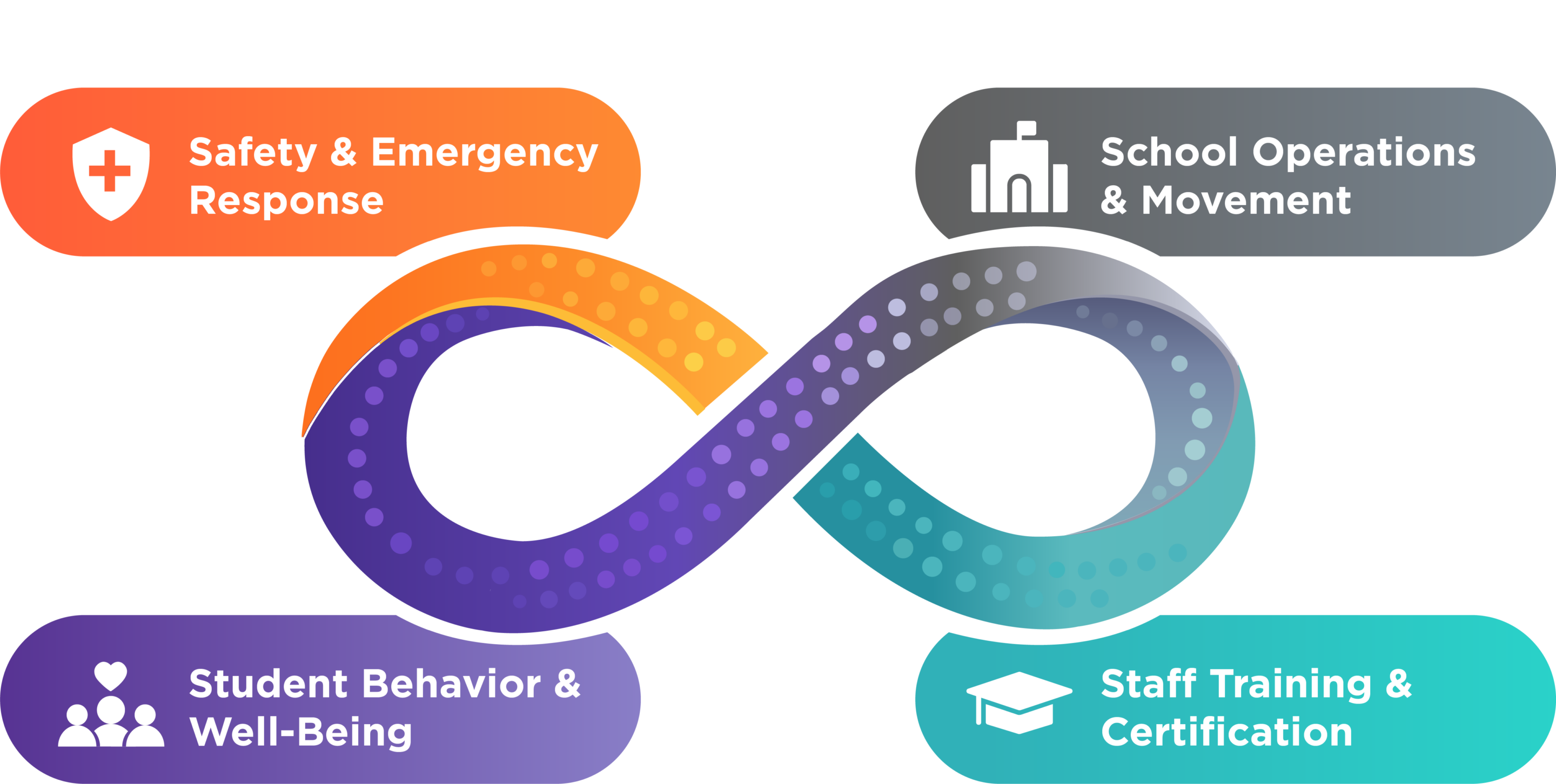
Take a layered, holistic approach to school safety with Navigate360 school panic button system technology, training, and guidance to move you closer to your goal.
Discover more Navigate360 Preparation & Response solutions.
Blogs that may interest you:

The First 90 Seconds: Why Integrated School Safety Platforms Are the Difference Between Chaos & Clarity
Discover why integrated school safety platforms are essential for real preparedness and better outcomes in school safety.

Drill Management: Plan, Schedule, & Prove Compliance
Learn how effective drill management helps schools prepare for emergencies while meeting state and local compliance requirements.
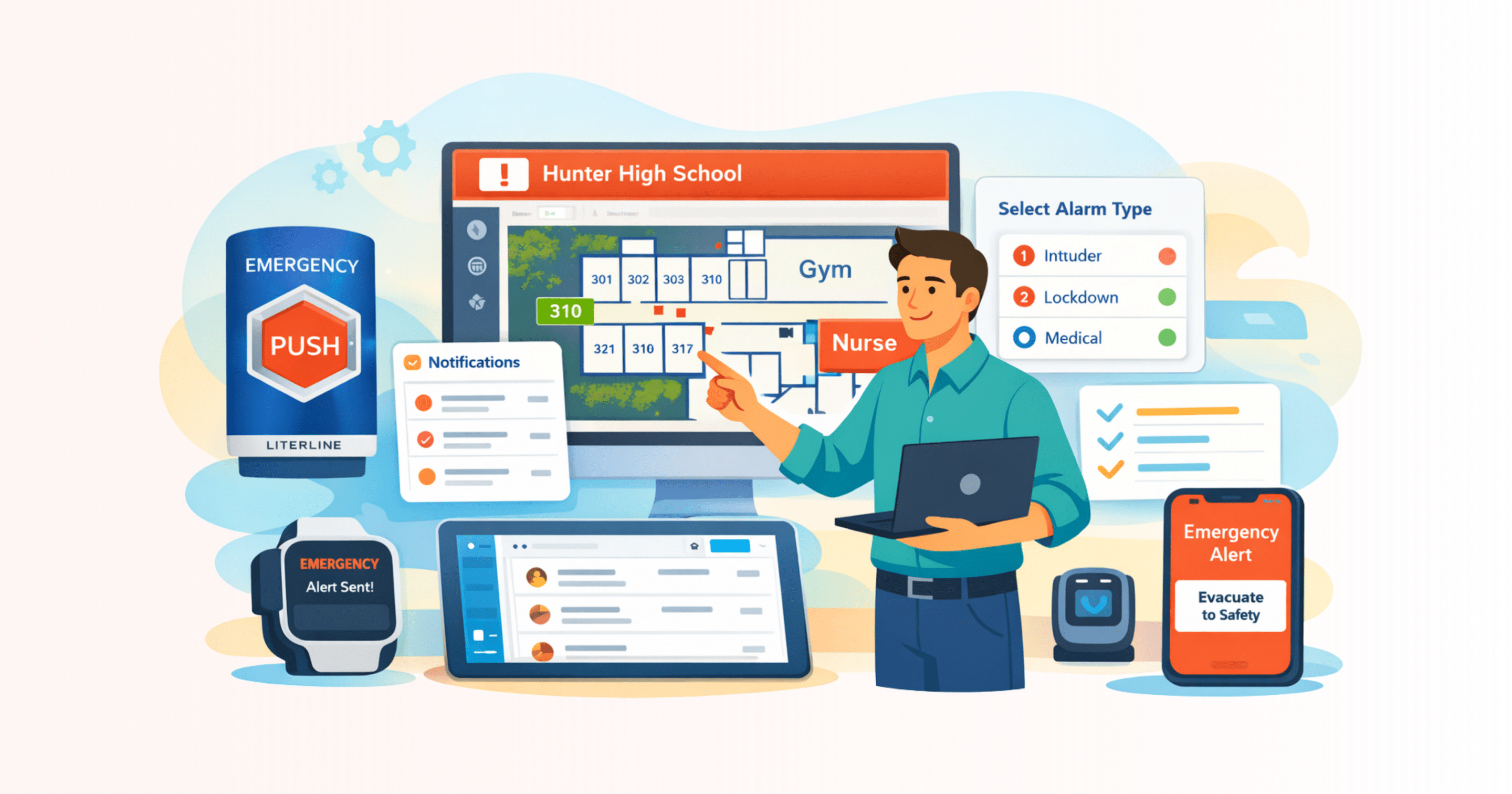
Choosing a School Panic Button for Alyssa’s Law Compliance
Discover how school panic button solutions improve emergency response, meet Alyssa’s Law, and deliver real-time protection for staff and students.

The First Line of Defense: Smarter Visitor Management for Schools
Explore the benefits of a visitor management system with an ID scanner for enhanced security and streamlined visitor verification.
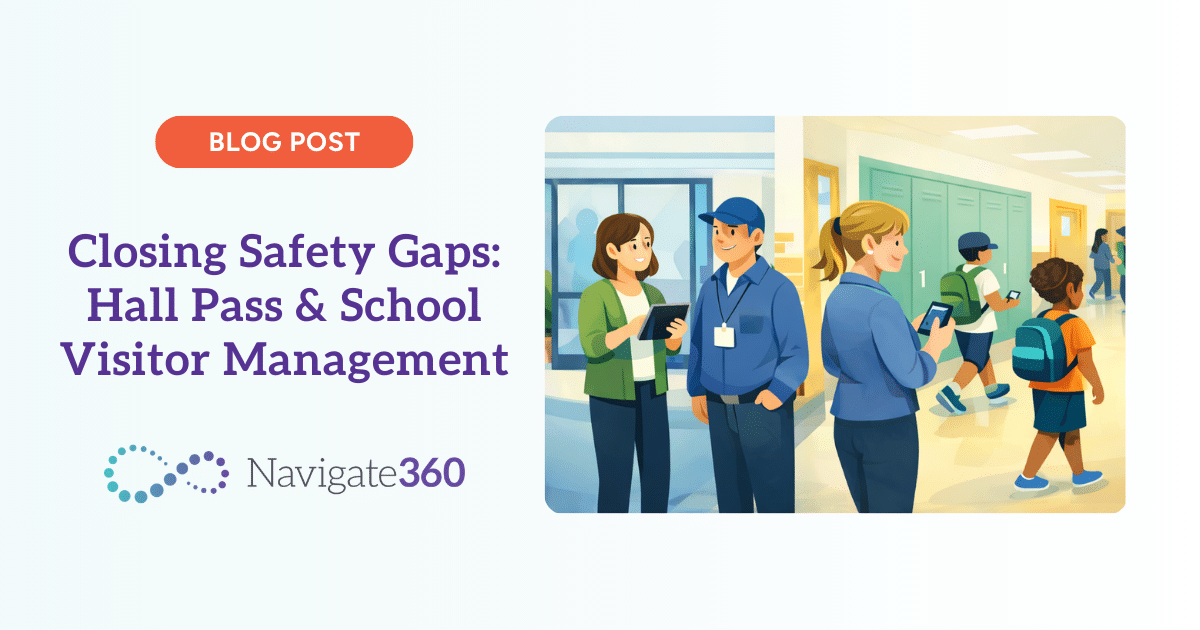
Closing Safety Gaps: Hall Pass & School Visitor Management
Learn how pairing hall pass & school visitor management systems improves campus visibility, strengthens supervision, and closes safety gaps beyond the front office.

School Safety Software: Why Panic Buttons Alone Don’t Create Preparedness
School safety software turns panic alerts into coordinated action by connecting emergency plans, communication, and real-time response tools.
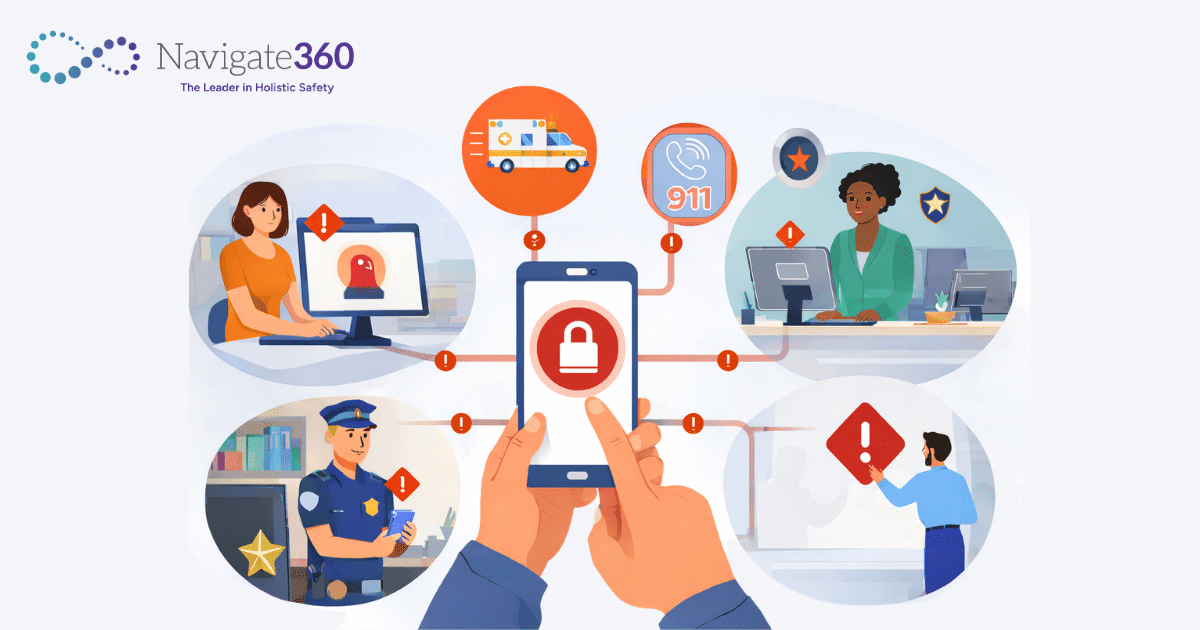
A Smarter School Safety Management System for Today’s Schools
Learn how a school safety management system centralizes emergency planning, drill tracking, communication, and reunification to improve preparedness and response.
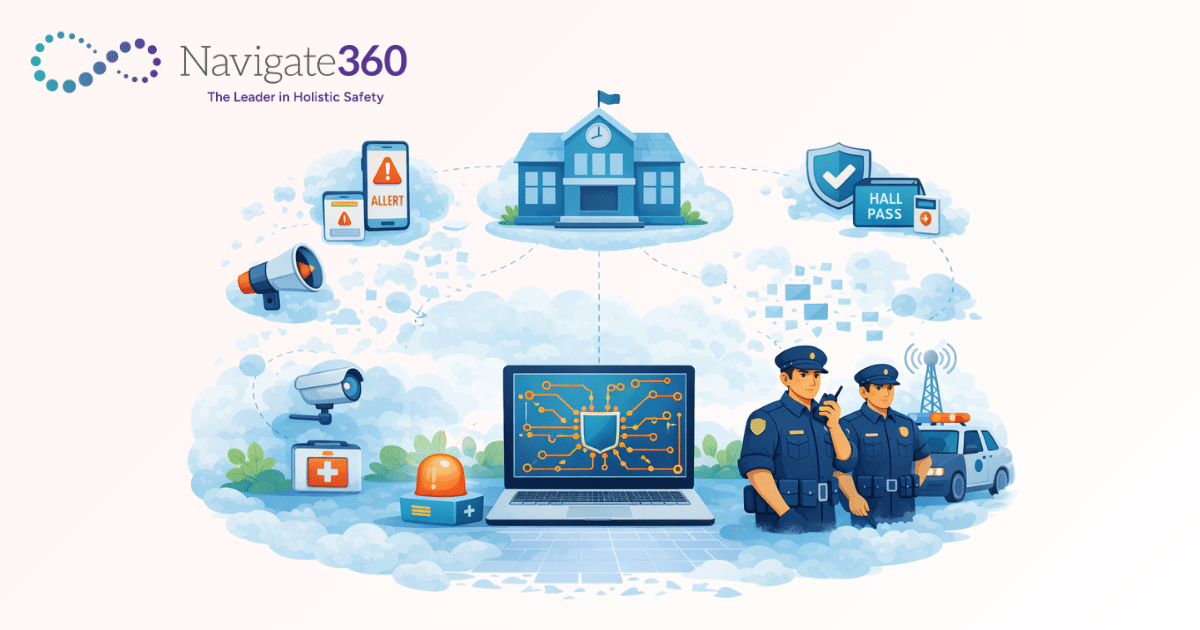
From Fragmented to Connected: Building an Integrated Safety Management System for Schools
Learn how an integrated safety management system enhances school safety by unifying tools for emergency response and communication.

5 College Campus Safety Myths That Put Students at Risk
Discover how 5 outdated assumptions about campus safety in higher ed create compliance gaps, slow response times, and increase institutional risk.

A School Safety Checklist for Connected Emergency Response
A school safety checklist helps leaders assess readiness and improve coordinated emergency response.